Bluetooth DTG App Mobile
Mobile
DTG
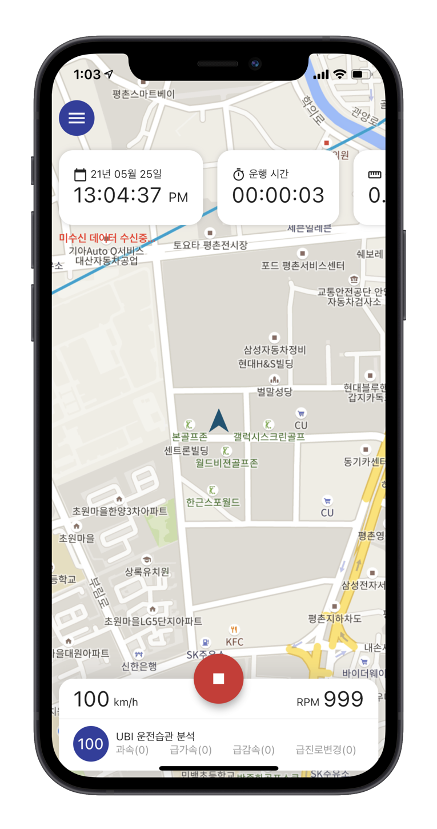
Connect to a DTG over Bluetooth. Check live location and driving records, and send them to E-TAS automatically.
Features
Key features
A smart DTG link for drivers and fleet managers
Automatic Bluetooth connection
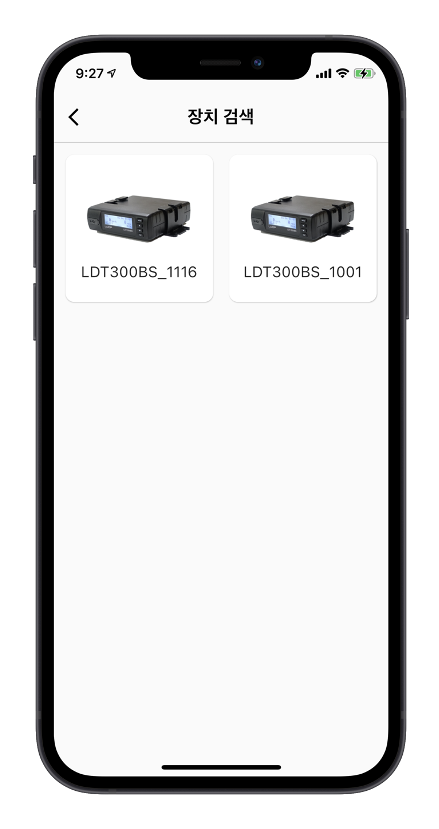
Find nearby DTG units and connect immediately, without pairing
Live location
Show the latest position from the DTG on the map in real time
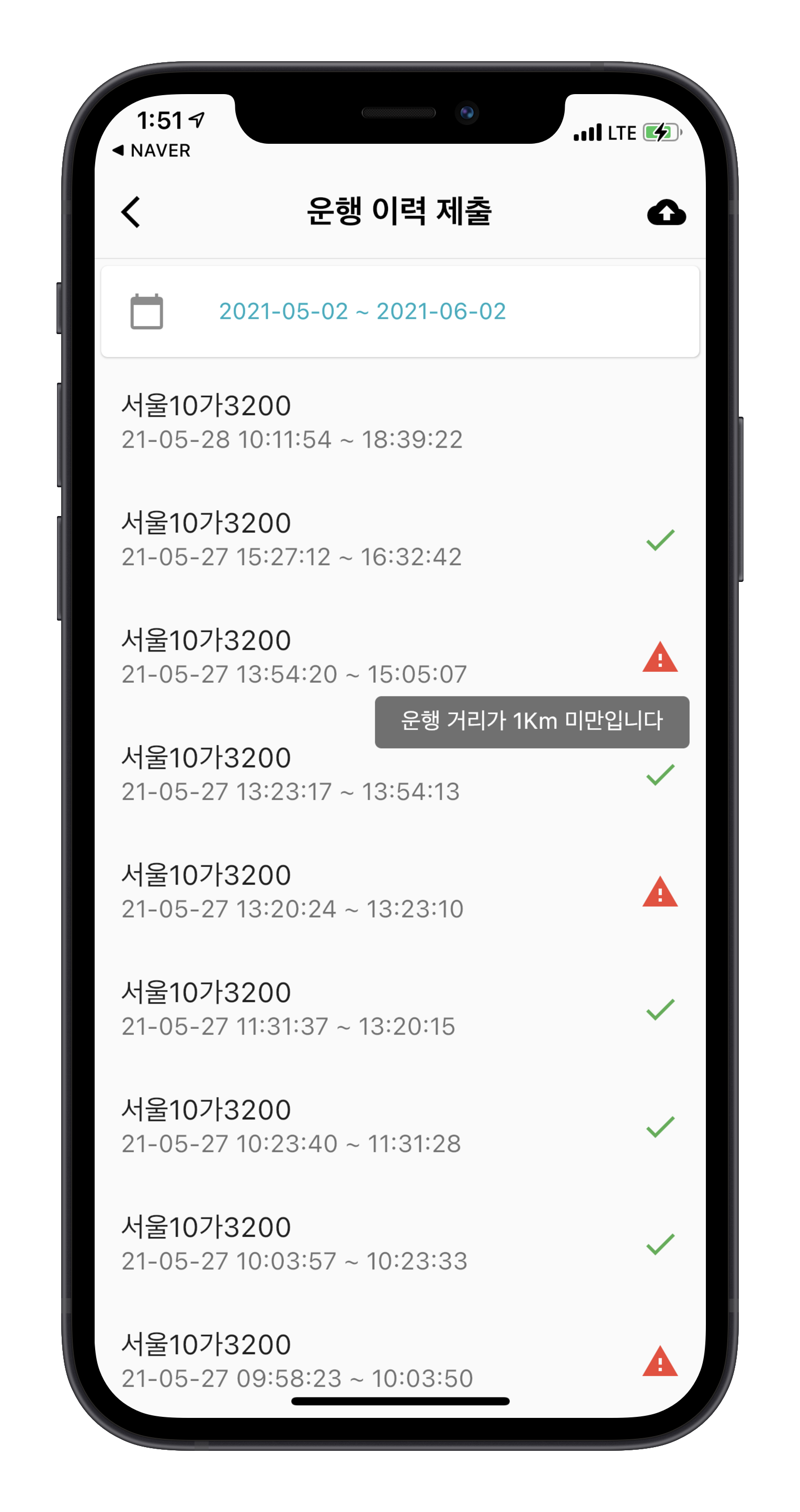
Trip history
Review speed, RPM, distance, fuel, and other driving data
Automatic E-TAS upload
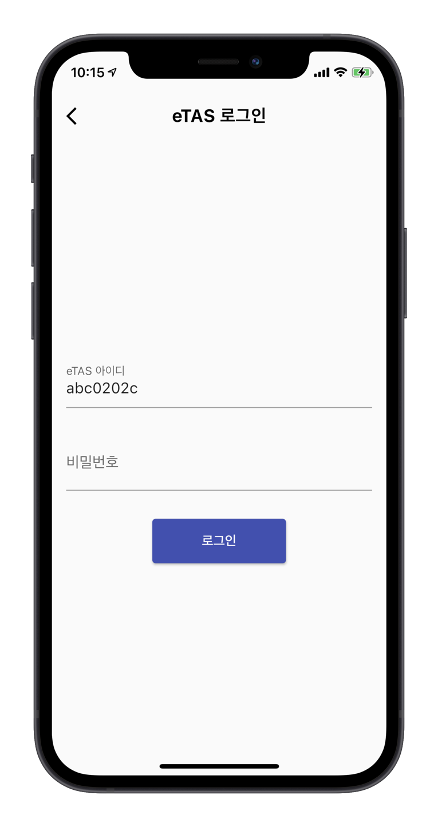
Send data automatically through a linked E-TAS account
Lossless sync
Resume from the last position the next time you open the app
Multi-platform
A cross-platform app for iPhone and Android
How it works
App screens
Quick connect
With Bluetooth on, find and connect to a nearby DTG without a separate pairing step.

Get started
Manage DTG data on your phone over Bluetooth.